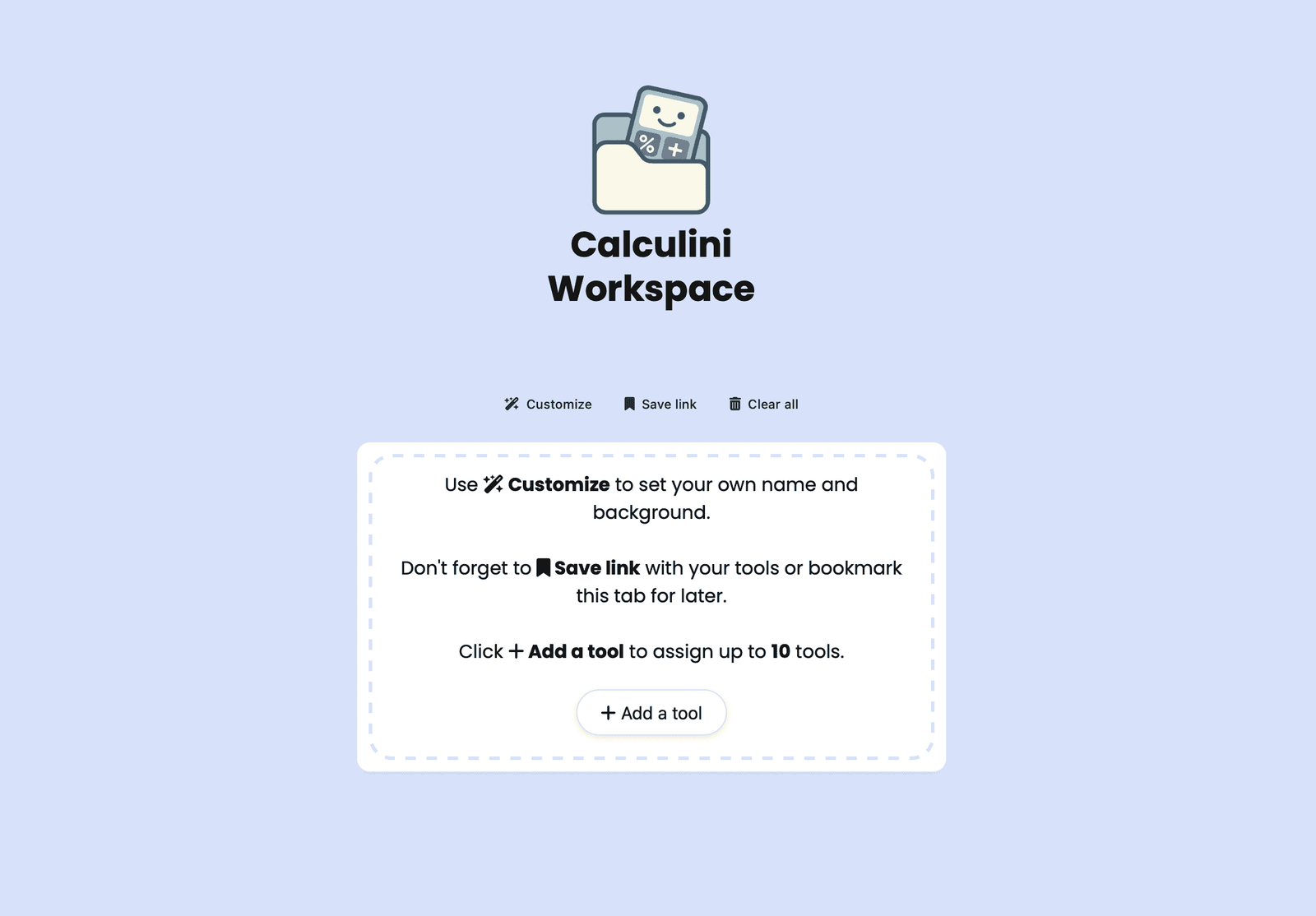
We’re excited to introduce Workspace, a new environment designed to transform the way you interact with Calculini tools.
Calculini has always been built from the ground up to remove friction and help you focus on what matters most. Our homepage already offers a clean, distraction-free way to browse and search tools — but now, we’re taking it a step further.
🧩 Build Your Own Workspace
Workspace lets you create your own environment with up to 10 of your favorite tools.
Whether you’re planning a project, managing tasks, or working across multiple calculations, you can now build a personal dashboard of the tools you use most — and return to them anytime.
🏷️ Name It Your Way
Personalization is at the core of Workspace.
You can name your environment however you like — your name, a project, a category, or even a mood — all within 10 characters.
And if you want to go further, replace “Workspace” with a predefined label like Bench, Board, Hub, Collection, Lab, Console, Stack, Studio, Labs, Deck, Kit, Launcher, Ops, Panel, Toolbox, Station, Suite, Workbench or Toolkit to create titles like:
• Travel Ops
• Dev Console
• Patrick’s Studio
• Project Stack
🎨 Customize the Look
Make your workspace truly yours. Choose from Calculini Blue or other pastel background themes to set the right tone for your environment. Express yourself, organize your workflow, and make it feel just right.
💡 Save & Share Instantly
Each workspace can be saved, bookmarked, or shared via a simple URL — no sign-in, payments, or setup required. Build multiple workspaces for different use cases and return to them anytime you want.
🚀 Get Started
Head to 👉 calculini.com/workspace/
Start creating your personal Workspace and experience a new, effortless way to manage your tools and workflows.
💬 How Do You Workspace? Share Feedback & Ideas
Workspace is designed to grow with you. We’d love to hear your thoughts, ideas, and creative ways of using it.
Use the comments below to share your thoughts, suggest new features, or post links to your custom workspaces.
Show how you’ve organized your tools — whether it’s a Study Stack, Design Studio, Finance Hub, or Project Console — and inspire others to create their own.
As always, you’re welcome to post your reviews, requests, and inspirations right here on the community board.
Let’s build a better Workspace together. 💡
